
Introduction
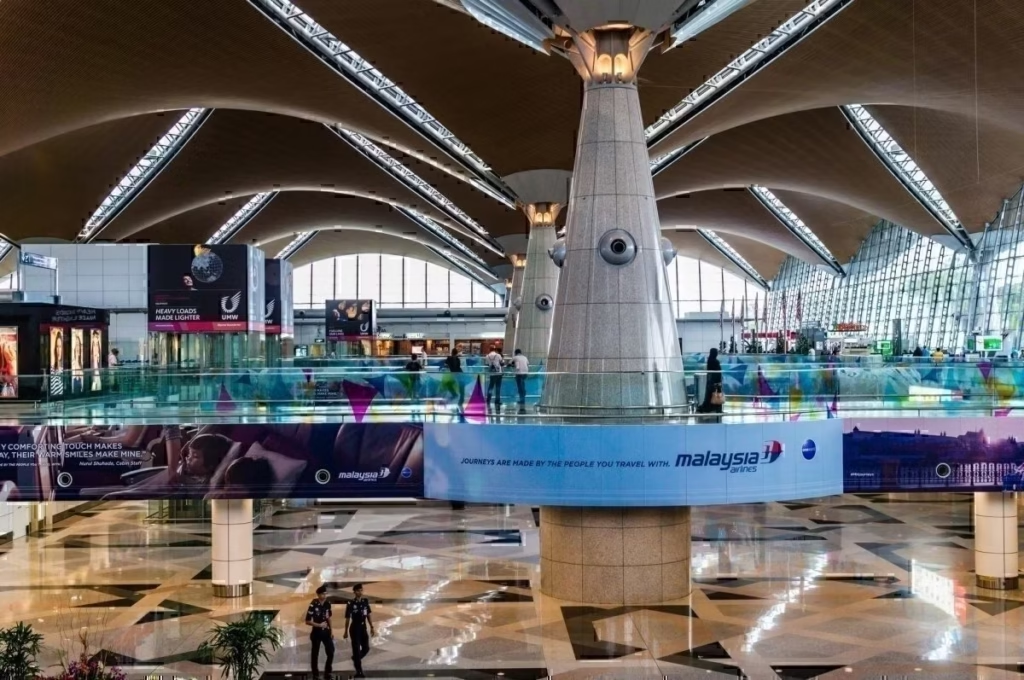
Planning your arrival at Kuala Lumpur International Airport (KLIA & KLIA2) in 2025? Whether you’re an expat, tourist, or business traveler, ensuring a smooth transition is key. This Kuala Lumpur Airport Arrival Guide 2025 covers everything you need to know about buying a SIM card, choosing the best airport transport, and handling currency exchange efficiently.
✨ Learn Malay Online Free ✨
Want to master daily Malay naturally? Try our AI-powered daily lessons — practical phrases, quizzes & cultural tips, 100% free!
Start Learning Free →📌 Where to Buy a SIM Card at KLIA & KLIA2
One of the first things you’ll need upon arrival is a local SIM card to stay connected. Here’s what you need to know:
✅ Best Mobile Providers in Malaysia
- Maxis (Hotlink) – Best for coverage and speed.
- Celcom – Good nationwide coverage.
- Digi – Affordable plans with decent coverage.
- U Mobile – Great for budget travelers.
- Tune Talk – Ideal for tourists with flexible data plans.
✅ Where to Buy a SIM Card at KLIA & KLIA2
- Telco Counters: Located at arrival halls in KLIA & KLIA2.
- Convenience Stores: 7-Eleven, myNEWS, and WHSmith sell prepaid SIMs.
- SIM Vending Machines: Available near baggage claim areas.
✅ Best SIM Plans for Expats & Tourists in 2025
- Hotlink Tourist Plan – RM30 for 15GB data + unlimited calls.
- Digi Prepaid NEXT – RM35 for 20GB data + free hotspot.
- Celcom Xpax – RM38 for 30GB high-speed internet.
📌 Tip: If your phone supports eSIM, consider activating a digital SIM online before arrival.
🚖 Best Airport Transport Options – Grab vs KLIA Express
Wondering how to get from KLIA to Kuala Lumpur city center? Here’s a breakdown of your best transport options:
🚖 Grab (Ride-Hailing Services in 2025)
Malaysia’s most popular ride-hailing app, Grab, offers a hassle-free way to reach your destination.
✅ How to Book a Grab from KLIA
- Download Grab app before arrival.
- Set pickup location at KLIA or KLIA2 Arrival Hall.
- Select vehicle type (GrabCar, GrabXL for larger groups, or GrabPremium).
- Pay via cash or card (link your credit/debit card in the app).
✅ Estimated Grab Fares (2025)
- KLIA to KL Sentral: RM70 – RM100 (depending on demand & traffic).
- KLIA to Bangsar/Mont Kiara: RM80 – RM120.
- KLIA to Petaling Jaya: RM75 – RM110.
✅ Pros & Cons of Grab
✔️ Door-to-door service. ✔️ Good for travelers with heavy luggage. ✔️ Multiple payment options. ❌ Prices increase during peak hours. ❌ Travel time depends on traffic (45-60 mins).
🚄 KLIA Express (Airport Train in 2025)
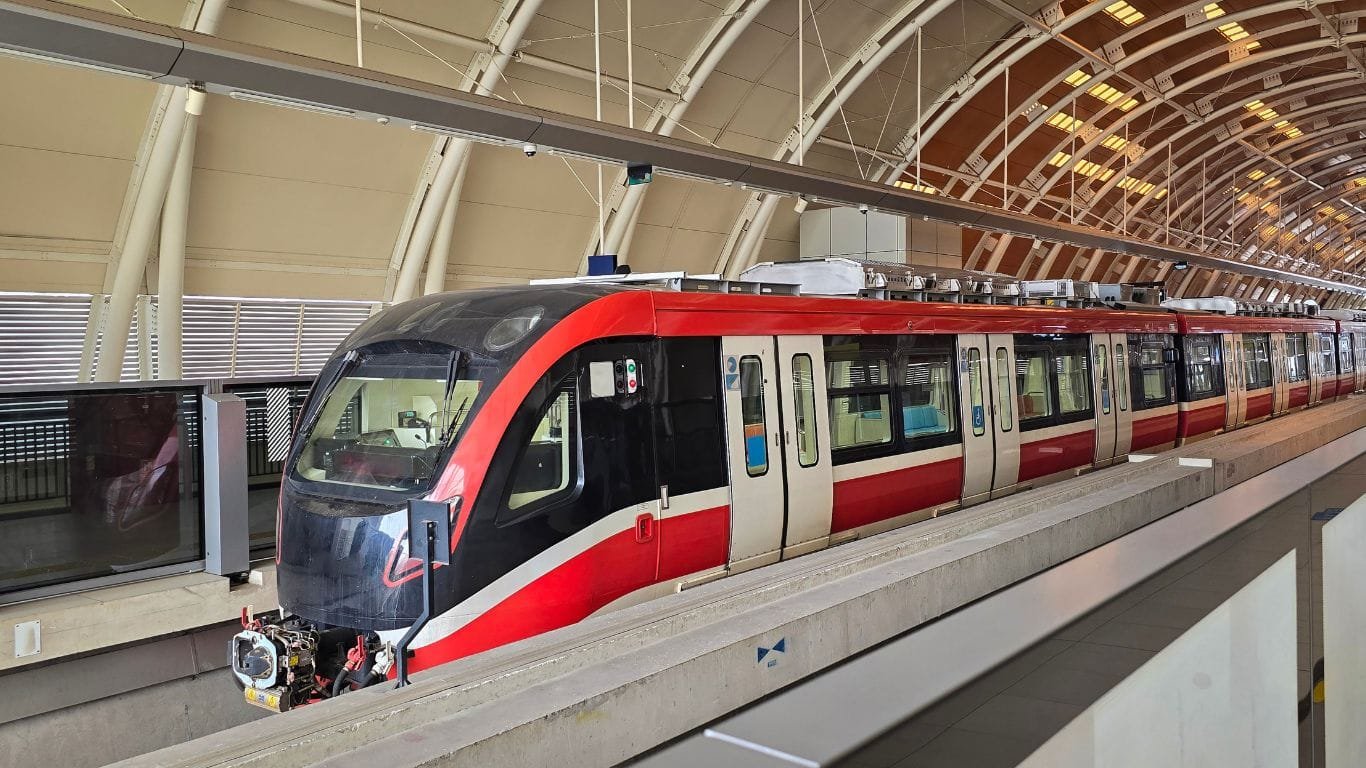
The fastest way to reach KL Sentral from the airport.
✅ KLIA Express Details
- Travel time: 28 minutes (non-stop train from KLIA to KL Sentral).
- Cost: RM55 (one-way), RM100 (return ticket).
- Frequency: Every 15 minutes.
- Tickets: Available at KLIA Express counters, kiosks, or online.
✅ Best for:
✔️ Solo travelers or business travelers. ✔️ No risk of traffic delays. ✔️ Comfortable and air-conditioned ride.
❌ Not ideal if:
- You’re traveling with lots of luggage.
- You need to reach a location far from KL Sentral (you’ll need a taxi/Grab from KL Sentral to your final stop).
📌 Tip: If you’re staying in areas like Bukit Bintang, Petaling Jaya, or Mont Kiara, Grab may be a better option for direct drop-off.
💱 Currency Exchange Tips at KLIA (2025 Guide)
✅ Where to Exchange Money at KLIA
- Money Exchange Counters: Travelex, CIMB, and RHB Money Exchange.
- Bank ATMs: Withdraw cash using an international debit/credit card.
- Airport Forex Counters: Convenient but usually offer lower exchange rates.
✅ Best Practices for Getting Good Exchange Rates
✔️ Compare rates at multiple counters before exchanging. ✔️ Avoid changing large amounts at airport money changers (rates are higher than city exchange centers). ✔️ Use ATMs for better rates if your card offers low foreign exchange fees. ✔️ Withdraw cash in larger amounts to minimize ATM transaction fees.
📌 Tip: In KL, head to Mid Valley, Bukit Bintang, or Masjid Jamek for better exchange rates than the airport.
📌 Free WiFi at KLIA
Did you know that KLIA offers free WiFi? Stay connected while waiting for your transport or exchanging currency.
✅ How to Connect to KLIA Free WiFi
- Search for “FREE_WIFI@KLIA” in your device’s WiFi settings.
- Register using your mobile number or email.
- Enjoy high-speed internet for free for up to 3 hours.
📌 Tip: If you need longer internet access, consider buying a local SIM card for seamless connectivity.
Conclusion & Final Travel Tips
Arriving in Malaysia can be hassle-free with the right preparation. Here’s a quick recap of Kuala Lumpur Airport Arrival Guide 2025:
✅ Buy a SIM card from Hotlink, Celcom, Digi, U Mobile, or Tune Talk.
✅ Use Grab for convenience or KLIA Express for the fastest airport-city connection.
✅ Exchange only small amounts at KLIA and withdraw from ATMs for better rates.
✅ Stay connected using KLIA’s free WiFi before getting a local SIM.
💡 Have any airport arrival tips to share or questions related to Kuala Lumpur Airport Arrival Guide 2025? Drop a comment below with your experience!
Bookmark Kuala Lumpur Airport Arrival Guide 2025 guide for future reference.
📌 Explore all our blogs
📌 Discover Best Camping Sites in Malaysia